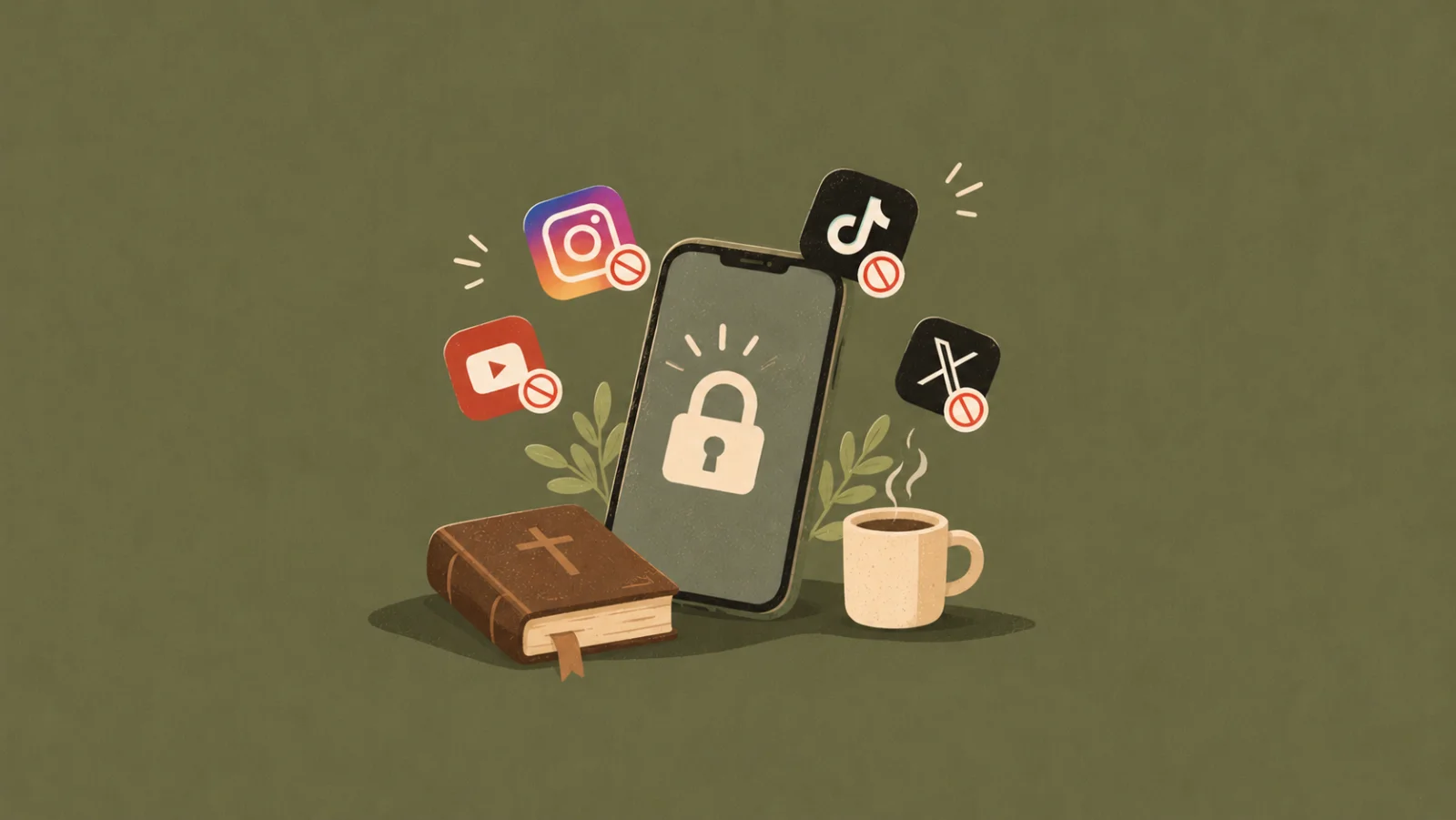
And the annoying part? You didn't even mean to spend that much time on your phone...
If you've tried setting screen time limits but keep ignoring them, you might need a little help from an app. Some tools block social media completely during certain hours. Others make you pause before opening an app, so you have a moment to decide whether you actually want to scroll.
The right one depends on what you're struggling with. Do you need a strict block, a gentle reminder, or a way to replace scrolling with something more meaningful?
Here are seven apps worth considering if you're trying to spend less time on social media in 2026.
Most app blockers focus on stopping you from using your phone. Bible Lock takes a different approach: it helps you replace the habit of scrolling with time spent in God's Word.
Bible Lock brings Bible verses to your lock screen, with verses tailored to what you're going through. It can also lock distracting apps until you read Scripture, helping you create a small moment with God before opening social media.
The app also includes a Bible Chat feature for asking questions about Christianity and Scripture, as well as a porn blocker. Rather than simply telling you to spend less time online, Bible Lock gives you something meaningful to turn to when you reach for your phone.
Best for: Christians who want to reduce social media use while building a more consistent habit of reading Scripture.
ScreenZen is designed to help you become more intentional about how often you open certain apps. You can set limits, schedule breaks, and add delays before apps launch.
One useful feature is that it can make opening social media feel less automatic. Instead of instantly landing on Instagram or TikTok, you have to pause for a moment and decide whether you actually want to use the app.
ScreenZen is a good option if you don't necessarily want to block social media completely but want to stop checking it every few minutes.
Best for: People who want to reduce habitual app opening without giving up social media altogether.
3. Opal — Best for Structured Focus Sessions
If you're looking for something that gives you more structure when managing your screen time, Opal is worth checking out.
Unlike apps that simply remind you to stop scrolling, Opal lets you create dedicated focus sessions where selected apps and websites are blocked. You can schedule these sessions around your daily routine, whether that's during work, studying, or before going to bed.
For example, you can set up a session that blocks Instagram, TikTok, and other distracting apps every weekday morning. Once the session starts, Opal helps you stay away from those apps so you can focus on what you're doing.
Best for: People who want structured focus sessions, scheduled app blocking, and more control over when they can access distracting apps.
4. one sec — Best for Adding a Pause Before Opening Apps
One sec is built around a simple idea: interrupt the automatic habit of opening an app. When you try to open a distracting app, one sec introduces a short pause. That moment gives you a chance to reconsider whether you actually need to open it.
It can be especially helpful if you find yourself opening Instagram or TikTok without even realizing it. The goal isn't necessarily to stop you from using the app, but to make the decision more intentional.
Best for: People who open social media automatically and want to break the habit.
5. Freedom — Best for Blocking Apps Across Devices
Freedom lets you block distracting apps and websites during selected times. You can create recurring schedules or start a focus session whenever you need it.
One of its main advantages is that it works across multiple devices, making it useful if you switch between your phone and computer throughout the day.
For example, you can block social media while working and avoid simply moving from your phone to your laptop to keep scrolling.
Best for: People who need to block distractions across several devices.
6. AppBlock — Best for Customizable App Limits
AppBlock gives you control over which apps and websites you want to restrict, and when. You can create schedules, set usage limits, and customize blocking rules based on your routine.
This makes it useful for people who want more control over their screen time. You might block social media during work hours, restrict certain apps before bed, or create different rules for weekdays and weekends.
AppBlock can be a practical choice if you know which apps are distracting you and want to set clear boundaries.
Best for: People who want flexible and customizable app-blocking rules.
7. Apple Screen Time and Android Digital Wellbeing — Best Built-In Options
If you don't want to download another app, your phone may already have tools to help you manage screen time.
Apple Screen Time lets you set app limits, schedule downtime, and review how much time you spend on your device. Android's Digital Wellbeing offers similar features, including app timers and ways to manage notifications.
These tools are convenient because they're already built into your phone. They're a good starting point if you want to understand your screen-time habits or set basic limits.
However, if you tend to ignore the limits you set, you may find that a dedicated app offers features that better suit your needs.
Best for: People who want a simple, no-extra-download way to start managing screen time.
Not sure which app is right for you yet? Here's a side-by-side look at what each one offers, including its main features and subscription options, so you can see what fits your needs and budget.
| App | Key features | Pricing |
|---|
| Bible Lock | Personalized lock-screen Bible verses, hourly Scripture reminders, app blocking with Scripture-to-unlock, text and voice AI Bible Chat, porn blocker | 3-day free trial. $9.99/month or $39.99/year ($3.33/month) |
| ScreenZen | Increasing delays before opening apps, daily usage limits, scheduled blocking, and app-opening reminders | Free; optional donations |
| Opal | Focus sessions, scheduled app blocking, daily limits, usage tracking, and Deep Focus mode | Free basic plan; Pro from $8.29/month, billed annually |
| One sec | Breathing exercises before opening apps, interruption reminders, usage tracking, and focus sessions | Free for one app; Pro pricing varies |
| Freedom | App and website blocking, scheduled focus sessions, cross-device syncing, and Locked Mode | Free; Premium from $3.33/month, billed annually |
| AppBlock | Custom app restrictions, schedules, daily limits, website blocking, and Strict Mode | Free; Premium plans available |
Limiting social media doesn't have to mean deleting every app or never using your phone again. Sometimes, it's about changing a small habit: not opening Instagram the second you feel bored, taking a break before scrolling, or spending a few minutes reading Scripture instead.
The right app can help you make that change. And if you want to build a habit of turning to God's Word before getting distracted by your phone, Bible Lock is worth exploring.
 Bible LockDownload